


A run through of what a virtual matrix is and how to set one up. Also runs through when you need to define a matrix for use in displaying real time text or playing the included easter egg.
Post your comment
Up Next
-
13:37

xLights primer on defining tree models
-
30:12
xSchedule Walkthrough - Part 1
-
06:14
xSchedule Next/Back Buttons
-
12:11
xSchedule Events
-
14:07
Sydney Mini 2017 - Virtual Santa Window Projection & Snow Machine
-
41:17
xEssentials - Using Pixel Nets & Matrices
-
1:15:13
Advanced xSchedule
-
33:01
xSchedule Walkthrough - Part 2
-
1:12:17
xSchedule walkthrough and Q&A
-
23:47
Part 3 2018 xLights Around the World (Working with Matrices and Singing Faces)
-
06:26
2017 xLights around the World, Cant Stop the Feeling
-
29:07
Sub-Models Part 2, Sequencing with the new Pixel Spinner
-
10:35
EASY! Custom Models NEW for xLights 2018!
-
42:05
xLights 2017: VU Effect
-
2:25:44

xLights Beginner Seminar - September 2018
-
13:49
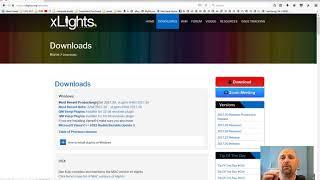
Fresh Install xLights 2017.30 with QM/Audacity Vamp Timing Plug-in
-
21:01
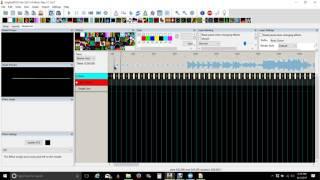
Xlights Queen Mary Vamp Plug-in Update for 2017
-
36:05
xEssentials - Planning Your Display
-
07:08
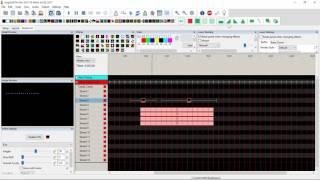
A new way to sequence AC lights in xLights
-
1:12:02
xEssentials - Layers & Rendering Styles
 Loading...
Comments